
How do I invite clients?
Press Add client on your Dashboard or on the Clients page. There are three ways to invite someone.
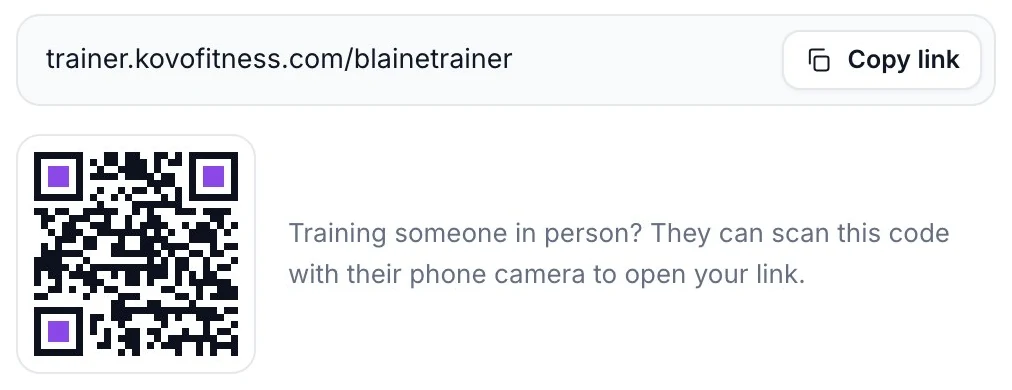
- Copy your invite link and send it any way you like: a text, an email or a message. Anyone who opens it and says yes becomes your client right away. You don't have to approve them.
- Show them the QR code. If you train someone in person, they can scan it with their phone camera.
- Email them an invite. Type one or more email addresses under Or send invites by email and press Send invites. Each person gets an email with your invite link, and shows as Invited on your Clients page until they accept.
👉 What your client sees
Your link opens a page with your name and picture. Your client signs in with the Apple or Google account they use in Kovo. The page says what you will see (their workouts and body measurements) and that they can stop any time. They tap Accept.
If they don't have Kovo yet, the link sends them to the App Store or Google Play first. The same link works once they sign up.
✌️ What happens next
Once they accept, assign them a program.
This is all in Kovo Trainer.
Build programs, invite your clients and see every workout they log in Kovo. No card needed.
Related articles
Still stuck? Send us a message and a human will read it.